
ONE BREATH · THREE MIDI LAYERS
MRTAUDIO USB MIDI BREATH CONTROLLER
Professional MIDI Breath Controller for Keyboards & DAWs
Add breath expression to keyboard parts and software instruments in your DAW. Shape dynamics and timbre through up to three independently mapped MIDI layers, then save your response settings on the controller.
SIGNATURE CONTROL
ONE BREATH. THREE INDEPENDENT MIDI LAYERS.
Each layer can use its own MIDI destination, channel, input range, output range, response curve, and attack or release response.
Assignments shown below are examples. Every layer is configurable.
IN PERFORMANCE
HANDS ON THE KEYS. EXPRESSION IN YOUR BREATH.
Shape compatible instruments while both hands remain on the keyboard or performance controls. Breath becomes a continuous source for dynamics, timbre, and articulation.
ON-DEVICE CONTROL
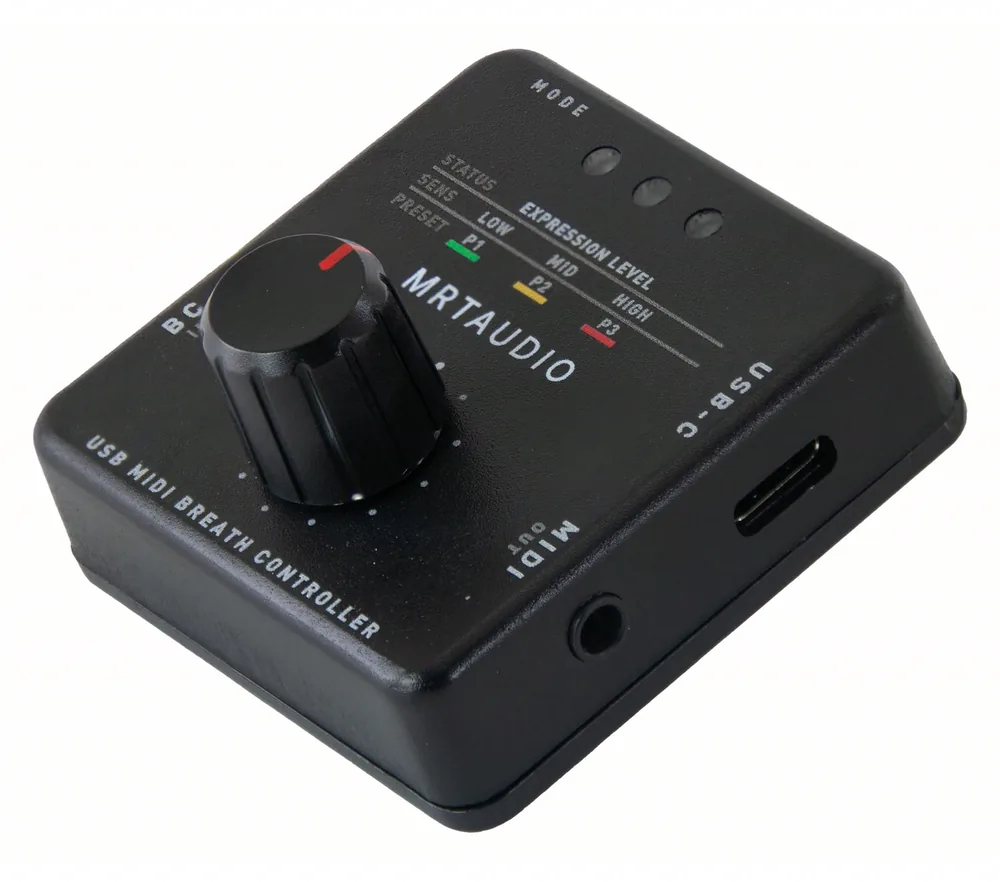
THREE PRESETS. READY ON THE DEVICE.
P1 Green, P2 Amber and P3 Red store three performance setups. Press the encoder briefly, then turn to select a preset. Press again to return to the selected Gain or OUT MIN adjustment.
WEB CONFIGURATOR
YOUR BREATH. YOUR RESPONSE.
Connect with a compatible Chromium-based browser, shape the response, and save the result to the controller. The browser does not need to remain open while you play.
Open Web Configurator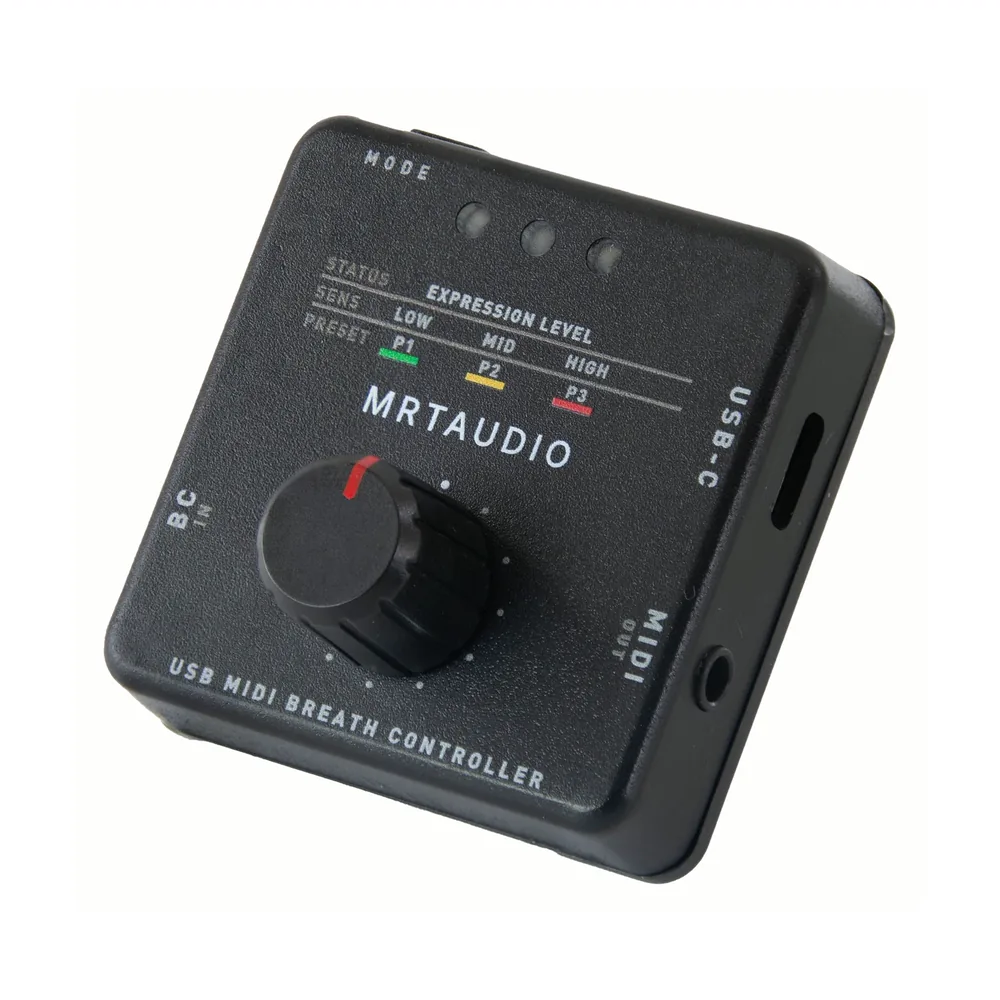
FLEXIBLE CONNECTIONS
ONE CONTROLLER. TWO MIDI PATHS.
Use class-compliant USB-MIDI with a compatible host, or connect the 3.5 mm TRS Type-A MIDI OUT to an instrument's MIDI IN. Power is supplied over USB-C. A USB socket alone does not establish MIDI host compatibility.
USB-C / USB-MIDI
Data and 5 V power through one connection on compatible hosts.
TRS TYPE-A MIDI OUT
Hardware MIDI connection through the supplied Type-A to 5-pin DIN cable.
COMPLETE PERFORMANCE SET
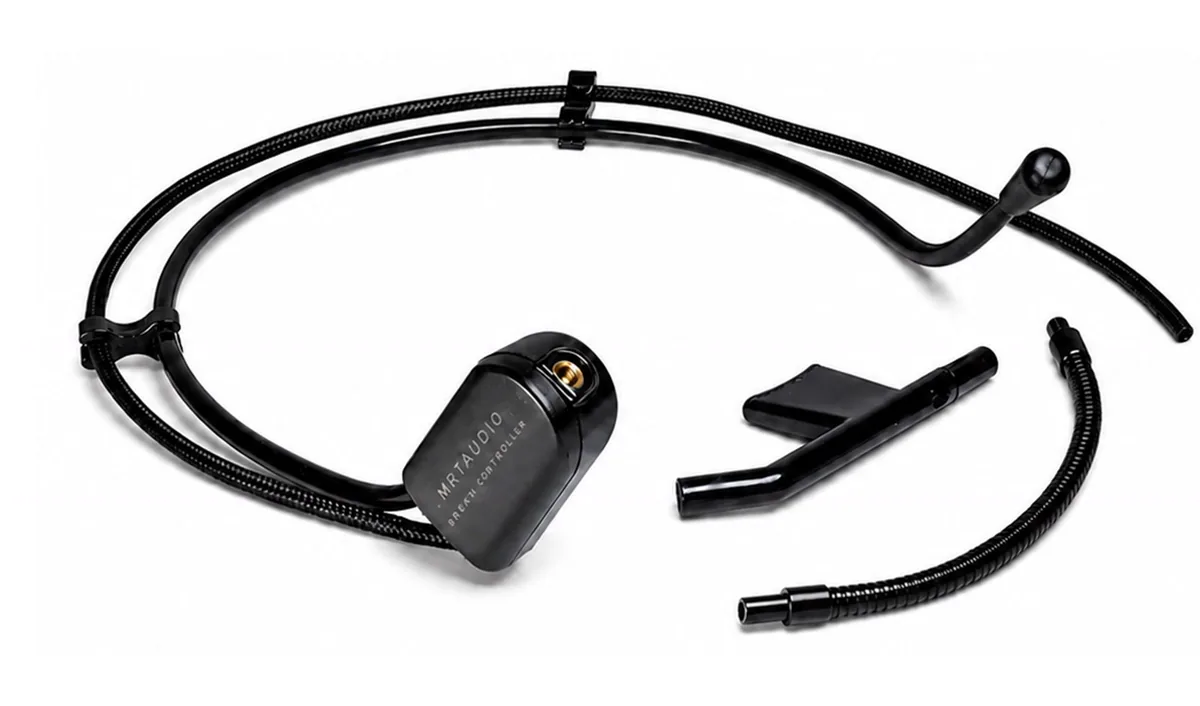
A BREATH HEADSET DESIGNED AS PART OF THE SYSTEM.
Position the mouthpiece, connect it to BC IN, and keep both hands available for the instrument. The complete set includes the MRTAUDIO headset, one removable flexible pipe, and two removable mouthpieces, including one spare.
Turn the manual air-release cap beside the mouthpiece to adjust physical airflow and blowing resistance. This is separate from the MIDI response settings.
FROM BOX TO PERFORMANCE
CONNECT. CALIBRATE. PLAY.
Connect
Attach the headset and choose USB-MIDI or hardware MIDI OUT.
Calibrate
Capture the resting pressure and a comfortable strong breath. Follow the LED sequence in the calibration guide.
Play
Match the MIDI channel and CC to your sound. Push browser edits to the device before disconnecting.
SETUP AND SUPPORT
FIND THE RIGHT STARTING POINT.
What does a breath controller do?
Understand how breath pressure controls a sound without generating audio itself.
Connect to a computer or keyboard
Choose USB-MIDI or DIN MIDI and check the required power and host support.
Choose CC2, CC11 or another control
Match breath to the MIDI destination your instrument or sound library actually uses.
Set calibration, Gain and Breath Onset
Separate your playing range, sensitivity and starting threshold.
BEFORE YOUR FIRST SETUP
Does it produce sound or work as a microphone?
No. MRTAUDIO Standard converts breath pressure into MIDI control data. A compatible instrument or software sound source produces the audio; its MIDI mapping determines which parameter changes.
Can I play without a computer?
Yes, with an instrument that accepts the chosen MIDI messages. Connect MIDI OUT to MIDI IN with the supplied Type-A cable and provide 5 V USB power. For a keyboard without compatible USB-MIDI host support, use a separate USB power supply.
Can I use any headset with a 3.5 mm plug?
A matching plug does not guarantee electrical or sensor compatibility. The complete set includes a compatible MRTAUDIO breath headset. Contact MRTAUDIO before connecting another headset model.
Does turning the encoder select a preset?
Not in the normal adjustment mode: turning changes the selected Gain or Layer 1 OUT MIN value. Briefly press the encoder to enter preset selection before turning it. Gain adjusts sensitivity; it is not a master volume control.
Can I use it as a breath controller for MIDI keyboards and synths?
Yes. Use the included Type-A to 5-pin DIN MIDI cable with an instrument that accepts your selected MIDI messages, and supply 5 V USB power. For a computer DAW, use class-compliant USB-MIDI and map breath to a compatible instrument parameter.
MRTAUDIO STANDARD COMPLETE SET
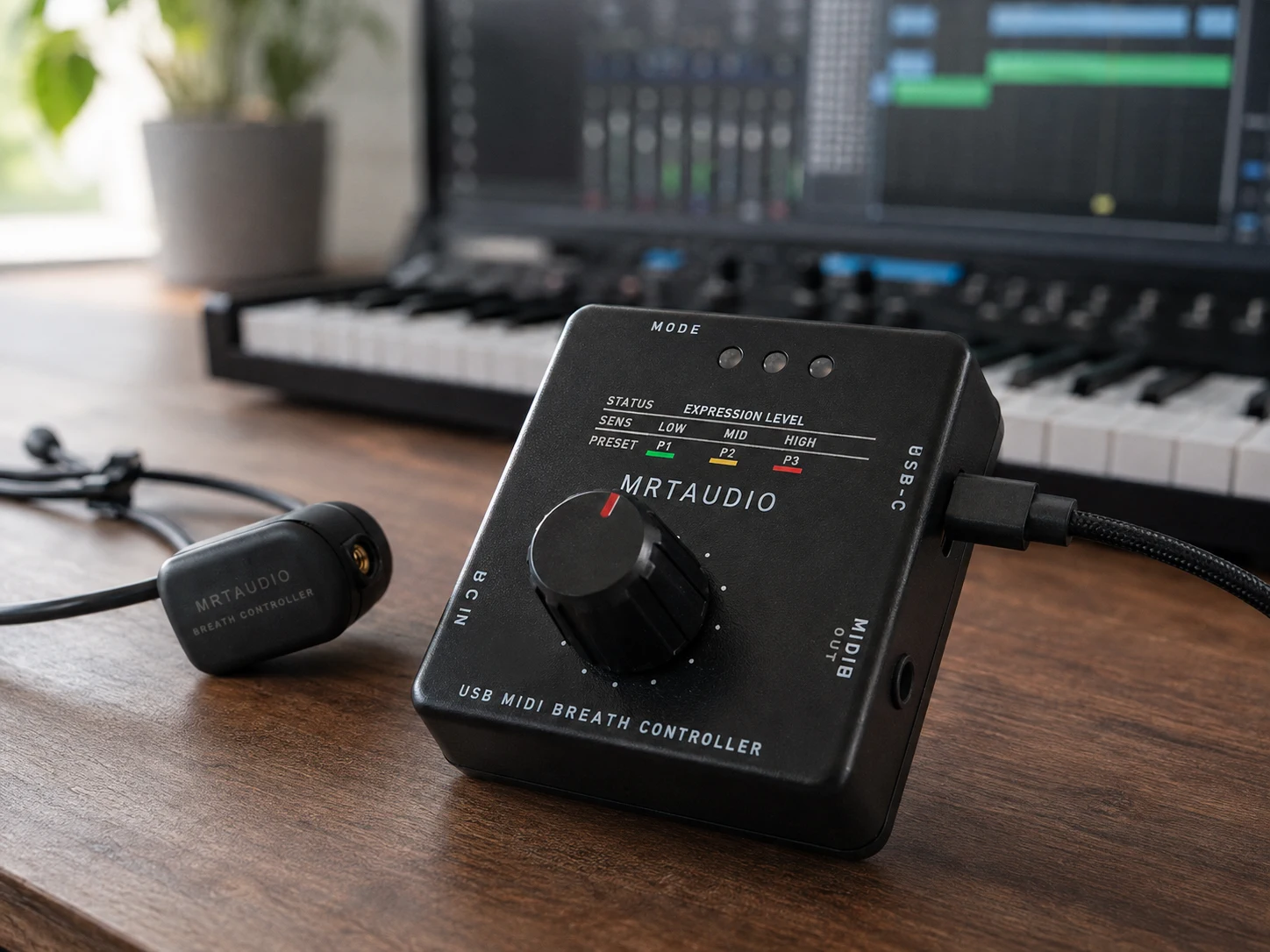
PUT BREATH AT THE CENTER OF YOUR PERFORMANCE.
Controller, compatible MRTAUDIO breath headset, USB-C data/power cable, TRS Type-A to 5-pin DIN MIDI cable, and printed setup material.
View the complete setExplore US purchase options and European purchase options.